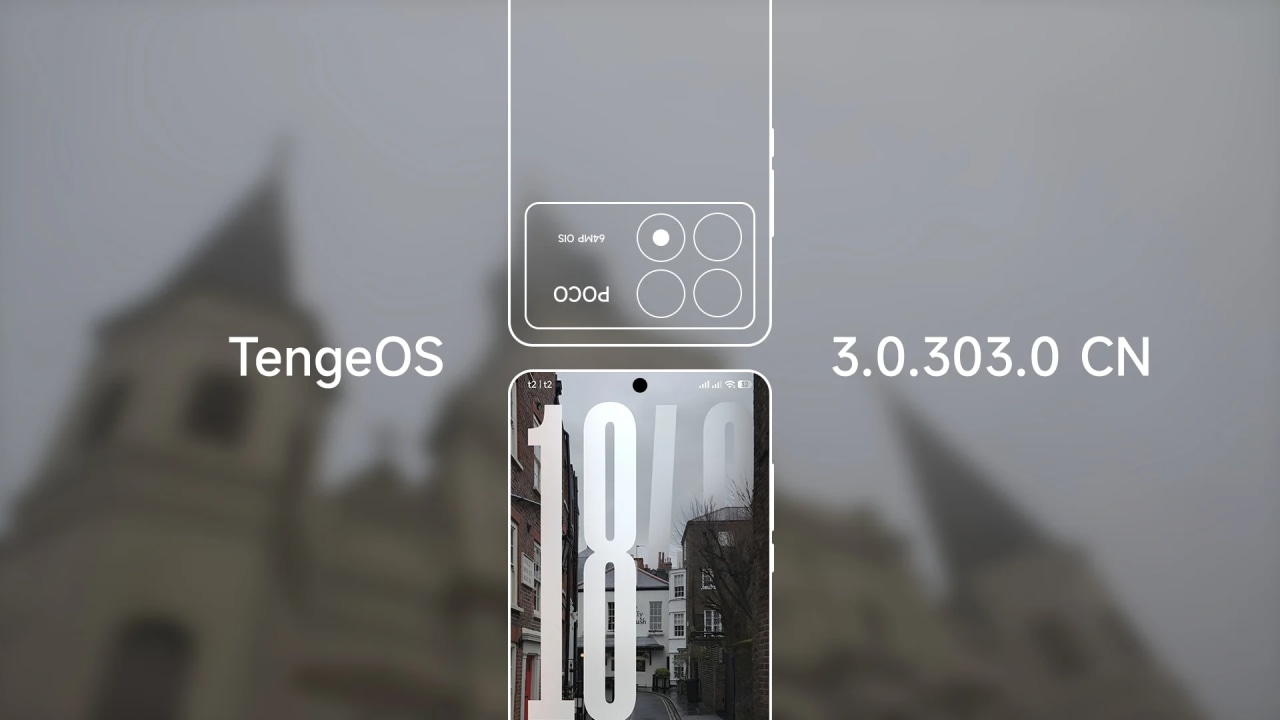
Released: 15/04/2026
Maintainer: @wectazz
Notes:
• install (https://t.me/DuchampROM_screenshots/204) after flashing!!!
• Use this (https://t.me/DuchampROM_screenshots/147?single) for gaming
• Stuck at 60 fps in game? Do this: su -c pm disable com.miui.powerkeeper/.statemachine.PowerStateMachineService
• Already with sukisu and ksu next
• Fastboot only
1. Download ROM zip file
2. Extract zip file
3. Make sure your phone plugged to PC and in fastboot mode (bootloader)
4. Go to folder ROM
5. Find TengeOS_Installer.bat
6. Open TengeOS_Installer.bat
7. Choose clean or dirty flash and what root you want
8. Wait until it finishes and it will restart automatically
9. install the root manager you have chosen for root, thats all
• Added tweaks for cpu/gpu like cpu schedutil, gpu simple_ondemand, set teo as cpu idle governor and etc..
• RW (product, system)
• Multilanguage
• Leica cam
• 5 and 7 notif icons in status bar
• Game spoof
• Advanced textures (fully blur across system)
• Core patch and disabled flag secure
• 1/60/90/120 fps selection
• Enhanced gboard
• Monet picker
• Kaorios toolbox for spoofing
• Unlimited google photos
• Debloated rom
• Decrypted (/data)
• 1 hz selection (full 120 hz)
• Added custom system apps (security, themes, apk installer, launcher, systemui, app vault and etc)